A Shopify app · Early access
Show every side of your products.
Film a product with your phone. Showpiece turns the video into a 3D model that shoppers can spin on your product page, and see in their own room.
How to film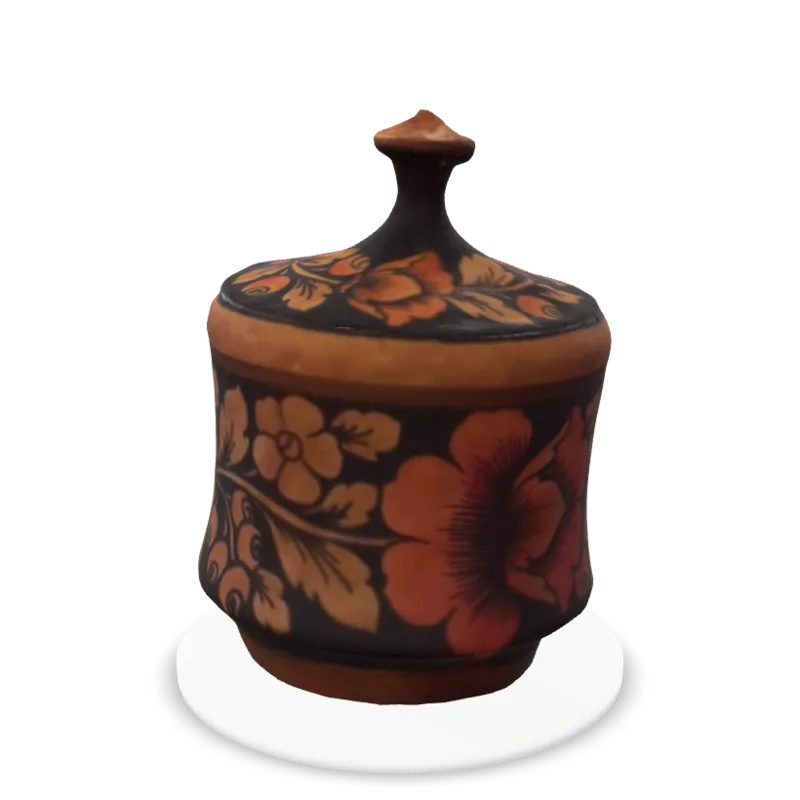
A real 3D model, made from a phone video. Drag to spin.
How it works
Three steps, one phone.
1Pick a product
Choose something with a clear shape and a matte finish. Set it on a table you can walk all the way around.
2Film two slow circles
Walk once around at about product height, looking slightly down. Then again from higher up, looking down. 30 to 60 seconds each, with the whole product in view.
3Review and publish
Your 3D model is ready in about half an hour. Check it in the app, then add it to your Shopify product page.
Real results
Filmed on a phone. Spin them yourself.
Each of these 3D models was made from a short phone video. Drag to turn, pinch or scroll to zoom.

Lacquer box
From this phone video to the 3D model above.
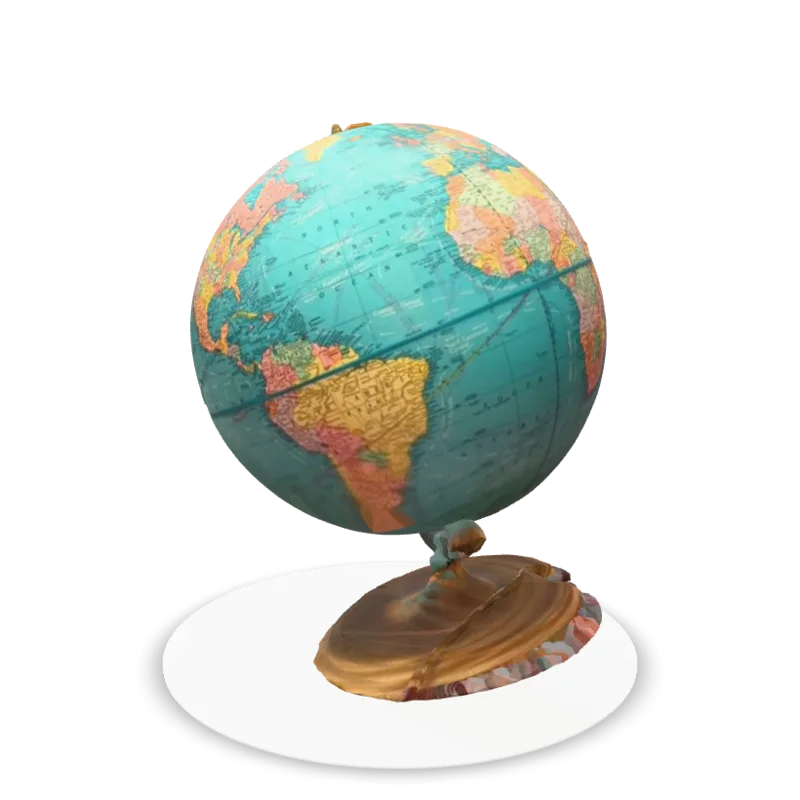

Desk globe
From this phone video to the 3D model above.
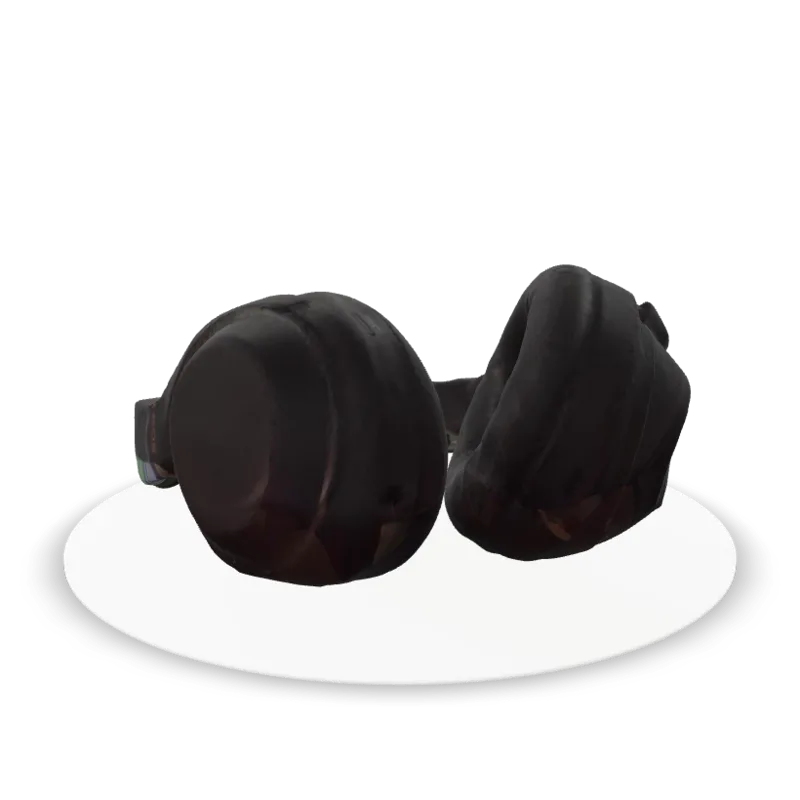

Headphones
From this phone video to the 3D model above.
Why it matters
Let shoppers see what they’re buying.
Photos show one angle at a time. A 3D model shows them all, right on your product page.
Every side, up close
Shoppers turn your product around and zoom in on the details, the way they would in a shop.
See it in their room
On iPhone and Android, “View in your space” places the product in the shopper’s room, right from your Shopify product page. Add the real size and it shows at true scale.
Just your phone
No studio, no turntable, no 3D artist. Two slow circles with the phone in your pocket.
Ready in about half an hour
Upload your video and get on with your day. Not happy with the result? Re-shoots are free.
Pricing
Simple plans, billed through Shopify.
Start free, no credit card needed. Re-shoots are always free. Prices in US dollars.
Free
$0/ month
- 5 new 3D models a month
- Up to 3 3D models live at once
- No credit card needed
- View in your space on iPhone and Android
Starter
$19/ month
- 10 new 3D models a month
- Unlimited 3D models on your store
- Extra 3D models $1.50 each
- View in your space on iPhone and Android
Growth
$49/ month
- 40 new 3D models a month
- Unlimited 3D models on your store
- Extra 3D models $1.25 each
- View in your space on iPhone and Android
Pro
$129/ month
- 120 new 3D models a month
- Unlimited 3D models on your store
- Extra 3D models $1.00 each
- View in your space on iPhone and Android
Early access
Be among the first to try Showpiece.
Leave your email and we’ll let you know as soon as Showpiece is ready to install on your store.